
Article Summary
Behind the term "spam" (also known as "junk mail") lies an unsolicited email sent without the recipient's consent. These emails are typically sent in bulk to a large number of recipients and relentlessly flood inboxes worldwide.
The majority of spam consists of intrusive emails (known as UBE, or "unsolicited bulk email"), such as chain letters or unsolicited commercial emails (UCE). Recipients of these emails are urged to purchase a product, hand over personal data, click on a web link, or open an attachment.
Did you know that spam currently accounts for roughly half of all emails sent worldwide?
Types of Spam
-
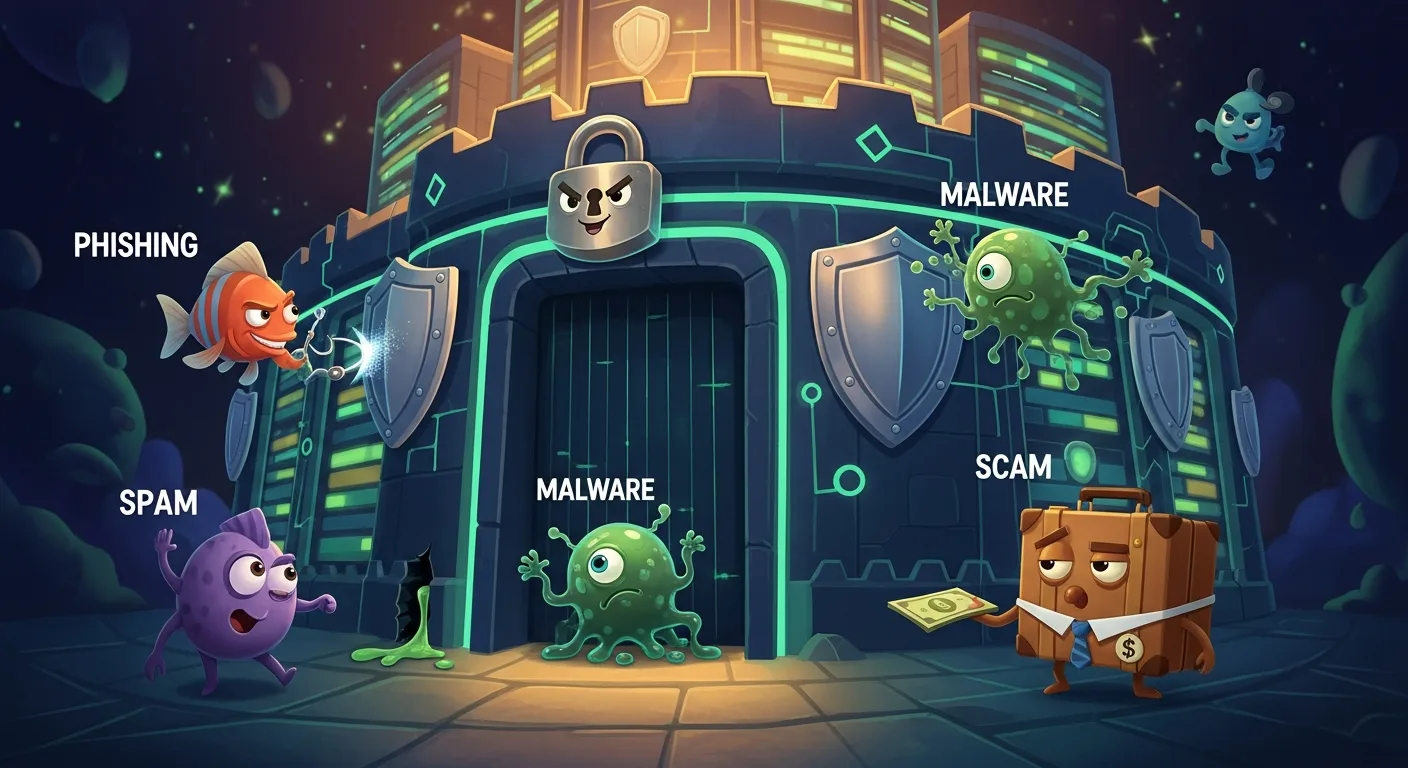
Advertising: Some vendors of cheap watches, counterfeit medication, or illegal content use spam to promote their products. Advertising spam often contains "free" offers that actually redirect to paid subscriptions, or promises of get-rich-quick business models. These typically need to be downloaded for a fee, and the only person getting rich is the spammer.
-
Misinformation: Many spam emails contain information or warnings designed to sow doubt in recipients' minds. These kinds of hoaxes spread through chain emails. The content is usually fictional but creates a "snowball effect" as these chain emails are forwarded on.
-
Phishing: This type of spam claims to come from a specific company, often a bank. The recipient is asked to provide personal information, such as bank details and PIN codes. To achieve this, scammers create websites that look like the official bank sites. If private data is entered on these sites, it will be exploited by cybercriminals.
-
Malware: Malicious software, also known as malware, often reaches computers through spam. It can take the form of viruses, Trojan horses, or spyware. When programs, links, or attachments are opened, this software can infiltrate the system. Only antivirus software or other specialized tools can fight these computer infections.
Spam Filters
A spam filter is designed to detect and block unwanted emails, also known as spam. It uses a combination of techniques to analyze the content of incoming emails and determine whether they should be classified as spam or not.
Here are some of the techniques commonly used by spam filters:
-
Blacklists and Whitelists: Blacklists contain email addresses or domains known to send spam. Whitelists contain email addresses or domains considered safe. Spam filters use these lists to determine whether an email should be filtered or not.
-
Content Filtering: Spam filters analyze the content of incoming emails to detect words or phrases commonly used in spam. They can also look for suspicious images or links.
-
Heuristic Analysis: Spam filters use machine learning algorithms to analyze the behavioral patterns of email senders. They can detect suspicious patterns, such as a large number of emails sent in a short period, and filter those emails accordingly.
-
Sender Reputation Check: Spam filters can verify the sender's reputation using public or private databases to determine whether the sender is trustworthy.
-
Sender Authentication: Spam filters can verify the sender's authenticity using authentication protocols such as SPF, DKIM, and DMARC to ensure the email genuinely comes from the claimed sender.
By using these techniques, spam filters can detect and block unwanted emails with high accuracy. However, it is important to note that spam filters are not infallible and may sometimes block legitimate emails by mistake.
It is therefore important to regularly check your junk mail folder to make sure important emails haven't been incorrectly blocked.
Enabling in Outlook
Here are the steps to enable and configure the spam filter in Outlook:
- Open Outlook and click on the Mail tab.
- In the Search group, click on Search Options.
- Click on the Options tab, then click on Junk Email.
- In the Options tab, select the settings you want to enable:
Enable the "Automatically filter junk email" option to activate the spam filter.
Enable the "Move junk email to the Junk Email folder" option to redirect unwanted emails to that folder.
Enable the "Permanently delete junk email instead of moving it to the Junk Email folder" option to automatically delete unwanted emails.
Click OK to save the changes.
Protecting Yourself Against Spam
Check the Sender, Content, and Subject Line
The first step in detecting spam is to check the sender of the message. If you don't recognize the email address or it seems suspicious, there's a good chance it's spam. For example, an email address with numerous spelling errors or an unusual domain name should raise a red flag.
Similarly, be wary of clickbait subject lines or content that seems too good to be true. A message with a subject line like "You've won 1 million euros!" is almost certainly spam. Likewise, a message urging you to take immediate action is often illegitimate.
Separate Your Uses: Personal, Professional, and Marketing Emails
It's recommended to use different email addresses for your personal, professional, and marketing purposes. This helps limit the amount of spam in your main inbox and makes it easier to manage.
For example, you can use a dedicated email address for online shopping and newsletter subscriptions. That way, your professional or personal inbox won't be cluttered with promotional messages, and you'll be less exposed to spam.
Limit Publishing Your Email Address Online
The more visible your email address is on the internet, the more exposed you are to spam. Avoid publishing it on websites, forums, or social networks. If you must publish it, consider masking it in a format that isn't directly readable by email-harvesting bots.
For example, you can write "my.name [at] example.com" instead of "my.name@example.com". This way, bots won't be able to scrape your email address and you'll be less exposed to spam.
Check Spelling
Spam emails are often riddled with spelling and grammar mistakes. If a message contains numerous errors, there's a good chance it's spam. For example, a message with glaring mistakes like "Helo, how r u doin?" should raise a red flag.
Additionally, watch for distorted logos and branding that looks similar but isn't quite right. If something seems off, don't click.
Be Wary of Clickable Links and Images
Spam often contains clickable links or images that can redirect you to malicious websites. Never click on these links, even if the message appears to come from a trusted source.
For example, a message containing a link like "Click here to log into your bank account" should raise a red flag. If in doubt, go directly to the website in question by typing its address into your browser's address bar.
Don't Be Naive: You're Not Winning an iPhone :)
Spam often uses promises of prizes, gifts, or free services to grab attention. Be aware that these promises are generally too good to be true. For example, a message promising you a free iPhone in exchange for your bank details is almost certainly spam.
Furthermore, requests for personal information (login credentials, banking information, etc.) are never made by email. No legitimate entity, whether governmental, professional, or otherwise, has the right to ask for your credit card number or personal access codes via email. Never share anything confidential in writing.
When in Doubt, Ask
If you have any doubt about the legitimacy of a message, don't hesitate to contact the sender directly using an email address or phone number you know to be authentic. Never reply directly to the suspicious message. For example, if you receive a message from your bank that seems suspicious, contact them through their official channels.
For more information, check out these helpful resources:
- Google's Phishing Quiz: https://www.cybermalveillance.gouv.fr/tous-nos-contenus/actualites/comment-reconnaitre-un-mail-de-phishing-ou-dhameconnage
- CNIL's guide: https://www.cnil.fr/fr/phishing-detecter-un-message-malveillant
- OpenClassrooms course: https://openclassrooms.com/fr/courses/5870206-decouvrez-les-bases-de-la-securite-numerique/6563666-reconnaissez-les-e-mails-indesirables-ou-dangereux
Quarantining Your Emails
How Does It Work?
Email quarantine is a particularly effective option. It helps users improve their productivity and prevents mail servers from having to process unwanted messages. An email may be quarantined because it contains malware, because its content has been identified as spam or phishing, and so on. The reasons can be numerous.
An email is quarantined so it can be sent for analysis. If it hasn't been clearly identified as unwanted, it is transferred to your "quarantine" folder, from which you can request an analysis of the sender, mark the email as junk, or release it to your main inbox.
Creating Quarantine Rules in Microsoft 365
- Access the Microsoft Defender portal: Open your browser and navigate to https://security.microsoft.com. Log in if necessary.
- Navigate to quarantine policies: In the portal, click on Mail & collaboration > Policies & Rules > Threat policies > Quarantine policy in the Rules section. Alternatively, go directly to the quarantine policies page using this link: https://security.microsoft.com/quarantinePolicies.
- Create a new quarantine policy: Select Add a custom policy to start the New Quarantine Policy wizard. Enter a unique name for the policy and configure the settings according to your needs, including user access to quarantined messages and quarantine notifications.
- Define message access permissions: Choose between limited access or define specific permissions, such as allowing users to request the release of a message or to delete it from quarantine.
- Configure quarantine notifications: Enable quarantine notifications if you want users to be informed about quarantined messages.
- Review and save the policy: Verify your new quarantine policy settings and save it.
Managing Quarantined Emails in Outlook
Access the Microsoft Defender portal: Open your browser and navigate to https://security.microsoft.com. Log in if necessary.
Navigate to the quarantine section: In the portal, click on Email & collaboration, then on Review > Quarantine > Email. You can also go directly to the quarantined emails section using this link: https://security.microsoft.com/quarantine?viewid=Email.
View quarantined messages: Under the Email tab, you'll see a list of quarantined messages. You can adjust the display, sort messages, or use filters to refine your search.
Select a message to see details: Click on a message to open a flyout panel with more information about the selected message. You'll see details such as the reason for quarantine, the sender, and the recipients.
Take action on the message: Depending on your organization's policies, you'll have various options available, such as:
- Release the email: To deliver the message to your inbox, select the release option. You may need to confirm that the message does not pose a threat.
- Request release: If you cannot directly release the message, you may be able to request its release. This request will be reviewed by an administrator.
- Delete: To permanently delete the message from quarantine, choose the delete option. Be careful, as this action is irreversible.
- Preview: To preview the message without releasing it, use the preview option. This can help you decide whether the message is safe or not.
Test Yourself
https://phishingquiz.withgoogle.com/
Going Further: What Could We Implement?
In our happy quest for a safer and cleaner inbox, here are three superheroes of the email world:
AntiSpam (SpamAssassin): Imagine a vigilant guardian at the gate of your inbox, ready to fend off unwanted spam! SpamAssassin scrutinizes every message with detective-like precision, spotting malicious spam before it can even say "junk mail" and keeping it far from your precious inbox. More peace of mind, less hassle!
AntiPhishing: Like a masked superhero, the AntiPhishing tool swoops in to protect your digital identity! It dives into the murky world of emails, foiling the sneaky plans of scammers trying to lure you with fake messages. With its anti-fraud shield, it keeps you and your precious information safe.
TLS Encryption: Imagine an invisibility cloak for your emails, making them invisible to prying eyes during their journey across the internet. TLS encryption is that magical cloak, wrapping your messages in a cocoon of security so that only you and the intended recipient can see those precious words.
Articles in this series "Cybersecurity and Best Practices"
This article is the 7th in a series of 11.
- Choosing a Strong Password and Setting Up a Password Manager
- MFA: How It Works, Why You Need It, and How to Enable It
- Encryption, Cryptography: The Vocabulary
- Decrypting BitLocker
- Viruses: What Do They Actually Do?
- Antivirus Software on My Computer: Why and How?
- Spam, Phishing: Understanding and Protecting Yourself
- The Importance of Separating Personal and Professional Use
- Backing Up Your Databases Using the 3-2-1 Method
- Firewalls: Do We Have a Choice?
- Active Directory: Is It in Line with Our Values?

Erin Supiot
Consultante
Membre de l'équipe Reboot à Strasbourg, Erin intervient sur les projets IT et conseil dans le Grand Est. Un profil qui préfère laisser parler ses résultats plutôt que son LinkedIn.
LinkedInSimilar articles
Newsletter
Get our best articles every month.
Go further
Project
Mini-Application Bancaire Pédagogique avec IA Vulnérable
Sensibiliser aux risques IA bancaire. Un projet pédagogique démontrant 9 vulnérabilités LLM.
ProjectTransformation IA d'un cabinet de propriété intellectuelle
Lever le frein de la confidentialité pour permettre l'adoption de l'IA dans un cabinet juridique.
ArticleAudit de cybersécurité : comment ça se passe vraiment ?
Un audit de cybersécurité, c'est faire tester votre système d'information par des spécialistes avant que des attaquants ne le fassent. Voici comment ça se déroule concrètement.
ArticleNIS2 : le guide de conformité pour les PME et ETI
NIS2 étend les obligations de cybersécurité à des milliers de PME et ETI. Voici, sans jargon, si vous êtes concerné, ce que vous devez faire et par où commencer.
ArticleComment on a connecté notre IA à notre logiciel financier — et pourquoi ça change tout!!
ArticleLe RGPD et les cookies en BtoB
Le RGPD et les cookies en BtoB Voici un article qui résume mes recherches sur la conformité RGPD et les conformité politique de Cookies. Il ne rem...